
NFC CD Keychain
Four printed faces, one tap-to-open link you control.
Pick the occasion, we'll help you nail it.
Same gift, different stories. Here's what customers actually order for each kind of occasion.
Anniversary keepsake
Print the photos on the four faces; lock the chip onto a Google Drive or Dropbox folder of the rest of the album. Tap brings the whole album back without scrolling through a phone.
Wedding favour
Hand it out as a wedding favour with the chip pointed at your wedding photographer's shared folder. Guests tap to open the album the same week you upload.
Memorial keepsake
Family contributes photos and short clips into one shared folder. The keychain prints carry the portrait; the link opens the rest. Easy to update later as more memories surface.
Newborn / first-year
Start with four early photos on the print. The link points at a shared folder that you keep adding to month by month — the keychain stays the same, the album grows.
Graduation gift
Print celebration photos on the four faces; link the chip to the rest of the celebration folder. Reads in three seconds at a graduation lunch.
Trip souvenir
A clip-on keepsake of a trip. Print four favourite frames; the chip links to the whole trip folder for when you want to scroll properly.
From your photo to a finished piece.
Every step handled in Singapore. Upload, preview, approve, ship. No surprises.
Pick your four photos
Two for the rectangular cover faces, two for the circular disc faces. The disc faces crop to a clean circle so portraits work well.
Send us your link (or use our guide to make one)
If you already host on Google Drive, Dropbox, or your own server, paste the shareable URL at checkout. Don't have one? The setup guide that ships with every order walks through Drive and Dropbox step-by-step.
We print, assemble, and program the chip
Four printed faces, sealed assembly, NFC chip locked onto your URL. Production is offsite; ready in 1 working day.
Tap to open · change content anytime
Any modern iPhone or Android reads the chip on tap. To update what loads later, repeat the upload steps from the guide on your hosting — the URL stays the same, the chip keeps pointing at it, the content updates.
Four faces, one tap-to-open link
Four printed photo faces and one tap-to-open link, in a sealed keychain you can carry. The NFC chip stores one URL we lock in at order time — point it at a Google Drive folder, a Dropbox album, or your own online host. We never store the content; you host it on a service you already trust. A short setup guide ships with every order so you can build the link before checkout (or any time after).
Why a tap-to-open keychain.
A printed photo says one thing — the face on the front. A folder of photos, a song, a short video, or a private page layered behind it says everything else: the year, the trip, the inside joke. A keychain that prints both layers — the printed face and the chip pointing at the rest — becomes a daily-carry version of a private memory.
The NFC layer makes it work without an app, a QR code, or any setup on the recipient's side. They unlock the phone, tap the keychain, the link opens in their browser. One physical gesture. The content lives in your own hosting, which means you control it from your phone whenever you like.
The four faces — what to put on each.
Cover (Front) — rectangular, the most public face. Treat it like an album cover: a portrait, a couple shot, a graphic with a date.
Cover (Back) — rectangular, the album-back face. A date, a place, a short dedication.
CD (Front) — circular. The first disc face the recipient sees on flip. Portraits crop well to a circle.
CD (Back) — circular. A second portrait or a group shot.
If you have one photo you love, reuse it across more than one face. The assembly is sealed, so all four need a printed image — there's no "blank face" option.
Where to host your link.
You provide one URL. We program it into the chip. Where you host the content behind that URL is entirely up to you — the chip doesn't care, the recipient's phone doesn't care, all they see is whatever loads at the link on tap.
Google Drive — drop your files into a folder, set the folder to "anyone with the link can view", copy the share URL. Most-used route.
Dropbox — same idea. A folder set to public link sharing, URL copied at the end.
Your own online host — if you already have a website, a Notion page, a personal wedding page, or any other public URL, paste that at checkout. The chip only stores one URL; the host is your call.
The setup guide ships with every order with screenshots for Drive and Dropbox. If you already have a URL ready, paste it at checkout and the guide is just a backup.
Changing what the keychain shows — anytime.
The chip URL is locked at order time. To change what the recipient sees when they tap, you do NOT need to come back to us. You repeat the upload steps from the setup guide on your own hosting — swap the photos in your Drive folder, edit the page on your server, replace the album in your Dropbox. The URL stays the same, the chip keeps pointing at it, the content just updates.
This is how most customers refresh the keychain on anniversaries, birthdays, or as a memorial folder fills out over the years. No follow-up order, no chip re-programming, no shipping back — a five-minute file swap on the hosting you already use.
Privacy is the same lever. The link is only as public as you make your folder. Set Drive or Dropbox to "anyone with the link" and only people who tap the keychain (or have the URL) can see it. Change the sharing setting later to lock it down.
Good questions.
How does it work when someone taps it?
Where do I host the link?
Can I change what the keychain shows later?
Do I have to fill all four faces?
Will it work on iPhone and Android?
Do I have to make my Drive / Dropbox folder public?
What if I delete the files at the URL later?
How does delivery work?
More ways to make it theirs.


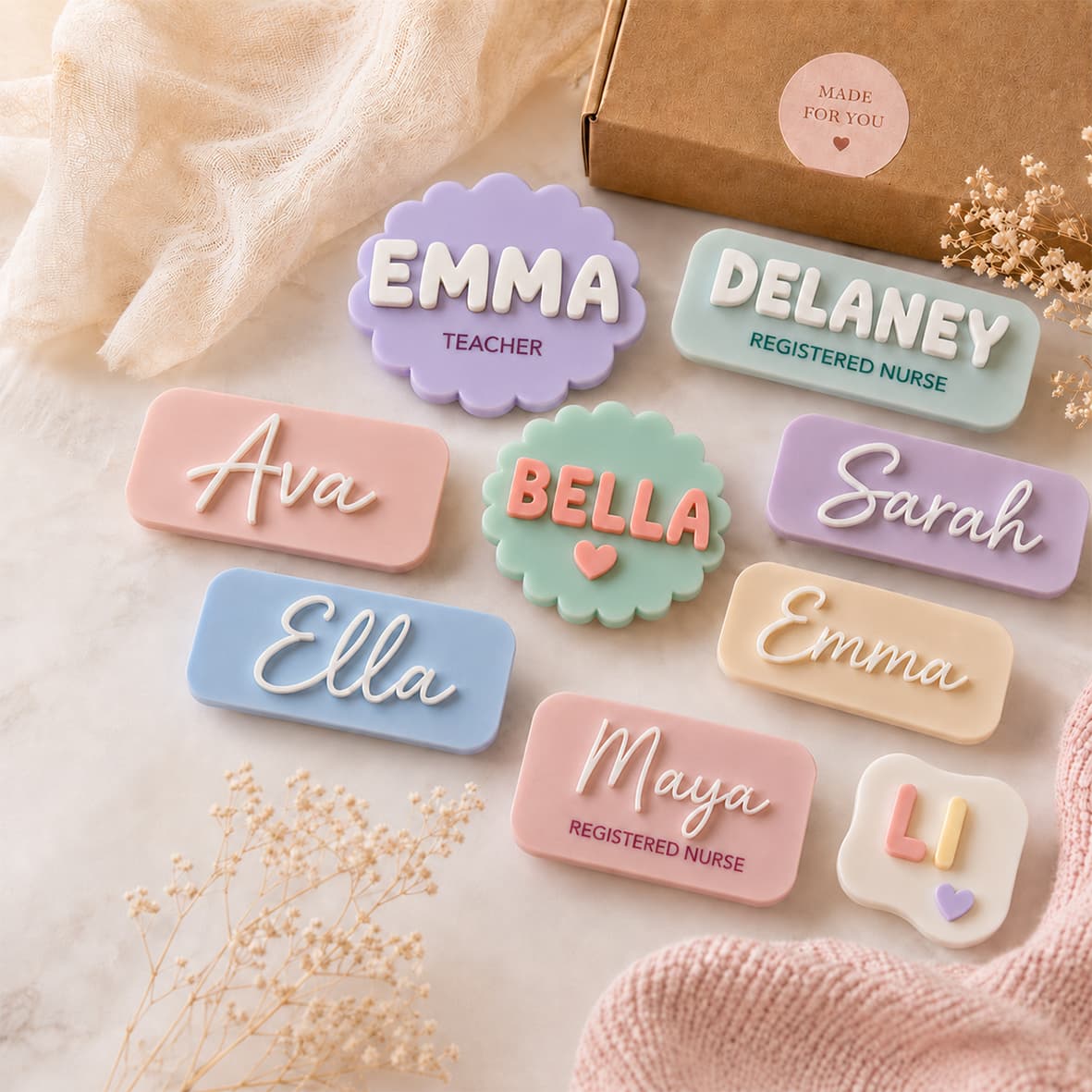
NFC CD keychain Singapore — also known as the Spotify keychain · miniature album-and-disc keepsake with four printed photo faces (rectangular covers + circular disc faces) and one programmable NFC chip we lock onto your playlist, Google Drive, Dropbox, or own online host · setup guide ships with every order · ready in 1 working day · self-collection free at Paya Lebar Square.