Canvas Tote Bag Printing in Singapore: Which Bag and Print Method Work Best?
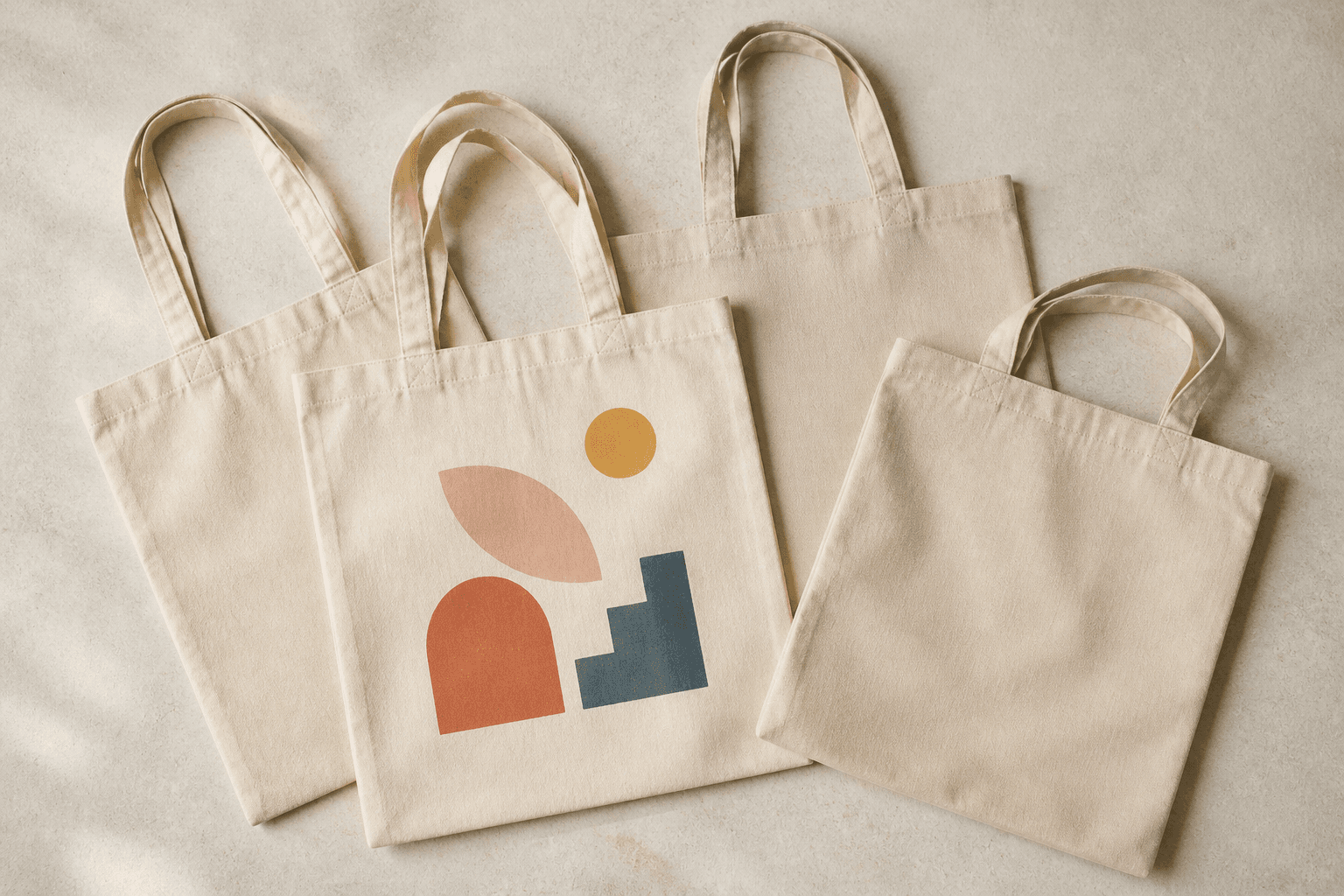
The bag people keep is the one that feels worth keeping — and that starts with the fabric, which is why canvas tote bag printing in Singapore is the route we recommend for goodie bags, brand merchandise and event giveaways.
Short answer: if you want a tote that survives more than one outing and shows your artwork in full colour, choose a canvas bag with a heat-transfer print. That is exactly how our canvas tote bag printing works — sturdy canvas totes in three sizes, with your design heat-transferred onto one side or both. The rest of this guide explains why canvas beats the other common bag materials, how the main print methods behave on it, and how to pick the right size and print area for your design.
What "canvas" actually means on a tote bag
Canvas is a tightly woven, plain-weave fabric. Compared with the thin fabric used for many giveaway bags, it is heavier, stiffer and far more resistant to tearing at the handles and seams. That weight is the whole point: a canvas tote holds its shape when it is loaded with groceries, books or a laptop, and it does not crumple into a ball at the bottom of a drawer.
For printing, canvas has two useful qualities. The weave is tight enough to hold a clean edge on logos and lettering, and the fabric tolerates the heat and pressure that transfer printing needs. The trade-off is texture — canvas is not as smooth as paper, so hairline strokes and very small text need a little extra care at the design stage. More on that below.
Canvas vs non-woven vs jute: which tote material should you choose?
Most printed bags in Singapore fall into one of three material families. Each suits a different job.
- Canvas — woven, sturdy and washable. It feels like a proper bag rather than packaging, which is why recipients reuse it. Best for brand merchandise, wedding favours, conference packs and retail giveaways where you want the bag to stay in circulation.
- Non-woven — made from bonded synthetic fibres pressed into a sheet rather than woven. It is light and economical, which suits very large one-day handouts, but it creases easily, feels thinner in the hand and is sensitive to heat, which limits how it can be printed.
- Jute — a coarse natural fibre with a rustic look. It is strong, but the open, rough weave swallows fine detail, so it suits bold, simple marks rather than detailed artwork.
If the goal is a bag that keeps carrying your brand around after the event, canvas is the dependable choice. That is the material we print on: every bag on our tote bag page is a canvas tote, so you are choosing size and print area rather than gambling on fabric quality.
Print methods for canvas totes: heat transfer vs screen printing
Two methods dominate canvas bag printing, and they behave quite differently.
Screen printing
Ink is pushed through a fine mesh stencil directly onto the fabric, with a separate screen prepared for each colour in the design. It produces a flat, bold result and is at its most economical on long runs of one- or two-colour artwork. The limits show up with complex designs: every extra colour adds another screen, and gradients, photographs and soft shadows are difficult to reproduce faithfully.
Heat transfer
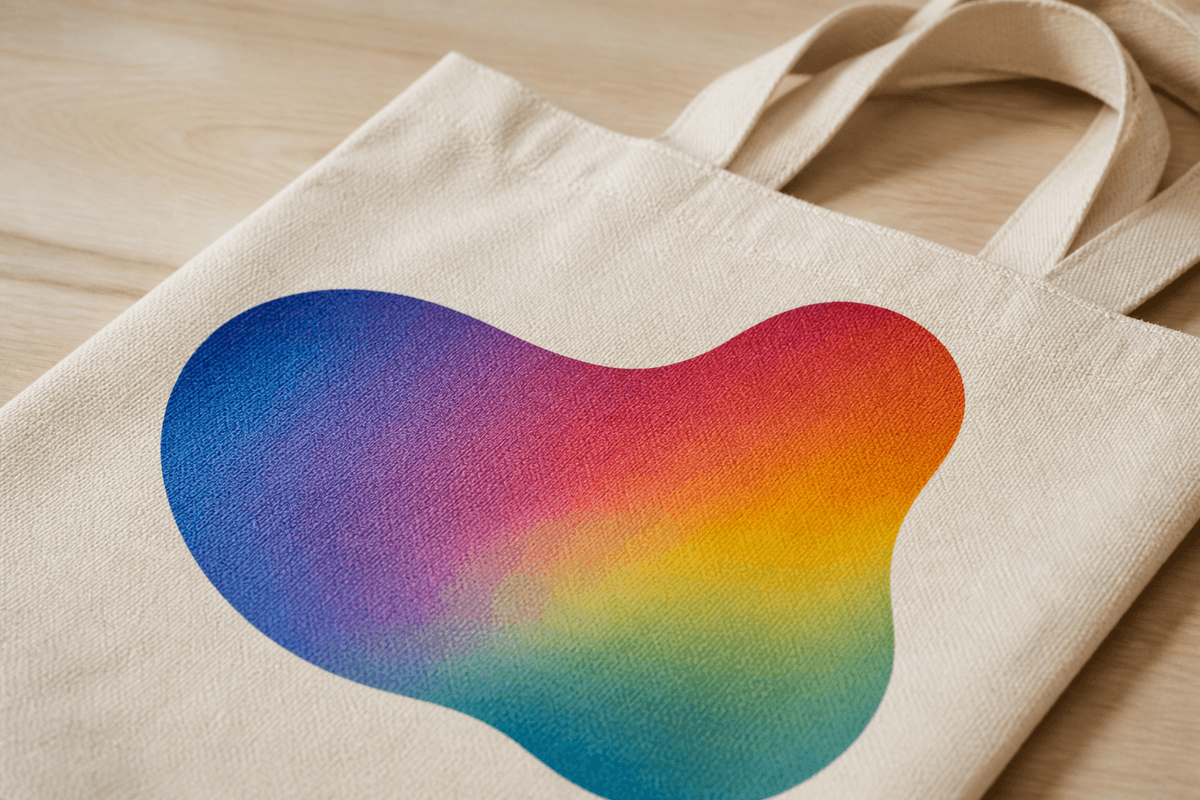
The design is printed first, then bonded onto the canvas using heat and pressure. Because the artwork is printed as a whole image rather than colour by colour, a full-colour logo, a gradient or a photograph is handled the same way as a single-colour mark. There are no per-colour screens to set up, which makes heat transfer a natural fit for multi-colour brand artwork on short and medium runs.
We use heat transfer for our totes. In practice that means you can send artwork in your real brand colours — including gradients and illustrations — without redrawing it to suit a limited number of ink colours.
Choosing the bag size
Our canvas totes come in three sizes. Choose by what the bag needs to carry, not just by how it looks in a mock-up.
- CB1 Large — 620 × 440 × 160mm. A roomy carry-all for lookbooks, documents and grocery-style loads. The right pick when you want the bag reused every week.
- CB2 Medium — 470 × 420 × 140mm. The everyday size. It suits conference packs, welcome kits and retail giveaways.
- CB3 Small — 340 × 360 × 80mm. A neat, light tote for small handouts, wedding favours and compact gift sets.
A quick test: gather the items you plan to put inside and check them against the dimensions above. A bag that is slightly too big still works; a bag that cannot close around its contents does not.
Choosing the print area
The print area is how large your design appears on the bag. We offer four, based on standard paper sizes:
- A6 (148 × 105mm) — a small, tidy logo.
- A5 (210 × 148mm) — the standard choice for a logo with a tagline.
- A4 (297 × 210mm) — a large, confident graphic.
- A3 (420 × 297mm) — a full-bag statement, available on the two larger bags (CB1 and CB2). The small CB3 face is not big enough for it.
Match the print area to the artwork rather than defaulting to the biggest option. A simple wordmark usually looks sharper at A5 or A4 with canvas showing around it; an illustration or pattern earns the A3. You can also print one side or both — a logo on the front and a message, pattern or sponsor mark on the back is a common pairing.
Ready to see how the options combine? Build your tote bag order on the product page: pick the bag size, print area and sides, and the calculator updates as you go.
Artwork tips for printing on canvas
Canvas is forgiving, but a few habits make the difference between a print that looks crisp and one that looks soft.
- Send print-ready artwork at 300 DPI, sized to the print area you have chosen. Vector files are ideal for logos because they scale cleanly.
- Keep lines and text bold. The woven surface softens hairline strokes and tiny lettering, so thicken thin lines and avoid very small type.
- Use strong contrast. Natural canvas is not pure white, so pale tints can look washed out. Darker, saturated colours read best.
- Leave breathing room. Keep important elements comfortably inside the print area instead of running them to its edge.
- Convert fonts to outlines so the lettering prints exactly as you designed it.
Looking after a printed canvas tote
A printed tote lasts longest with gentle care. Wash it in cool water, turn it inside out if it is going into a machine, and let it air dry rather than tumble drying on high heat. If the bag needs ironing, iron the reverse side and keep the iron off the printed area. It is worth passing these tips on to recipients — a one-line care note in the goodie bag does the job.
What else goes with a printed tote?
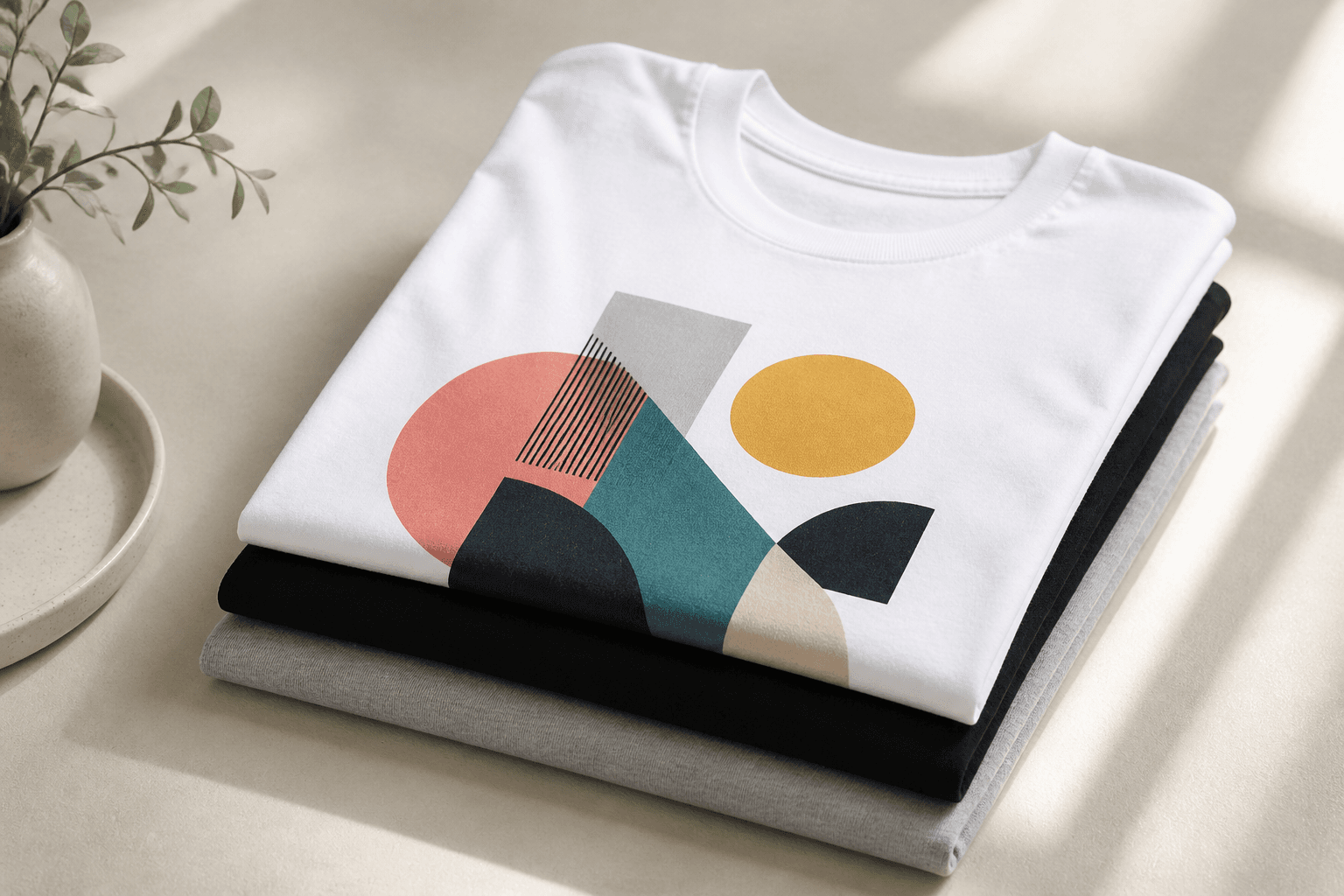
Totes rarely travel alone. If you are kitting out an event team or a pop-up, matching custom printed T-shirts carry the same artwork onto your crew. And for retail counters where every purchase needs a bag, printed paper bags cover day-to-day sales while the canvas totes are kept for gifts, launches and loyal customers.
Frequently asked questions
Is canvas better than non-woven for printed tote bags?
For reuse, yes. Canvas is woven, thicker and washable, so it behaves like a real bag. Non-woven is lighter and suits large one-off handouts, but it creases and wears out sooner.
Can you print full-colour designs or photos on a canvas tote?
Yes. Our totes are heat-transfer printed, so full-colour artwork, gradients and photographic images are all possible. Supply the file at 300 DPI and keep fine detail bold.
Can I print on both sides of the bag?
Yes. You can choose single-sided or double-sided printing when you configure your order.
What is the largest design I can print?
A3 (420 × 297mm), on the CB1 Large and CB2 Medium bags. The CB3 Small bag takes up to an A4 print.
How many tote bags can I order?
The online configurator covers runs from 100 to 300 bags. For larger quantities, contact us for a quote.
Order your canvas totes
Canvas gives you a bag people keep, and heat transfer gives you the freedom to print your artwork in full colour. Choose a size that fits what goes inside, pick a print area that suits the design, and decide on one side or two. When you are ready, order your canvas tote bag printing in Singapore on our tote bag printing page — set the bag size, print area and sides, and place your order.