How to Print Your Own Design on a Tote Bag in Singapore
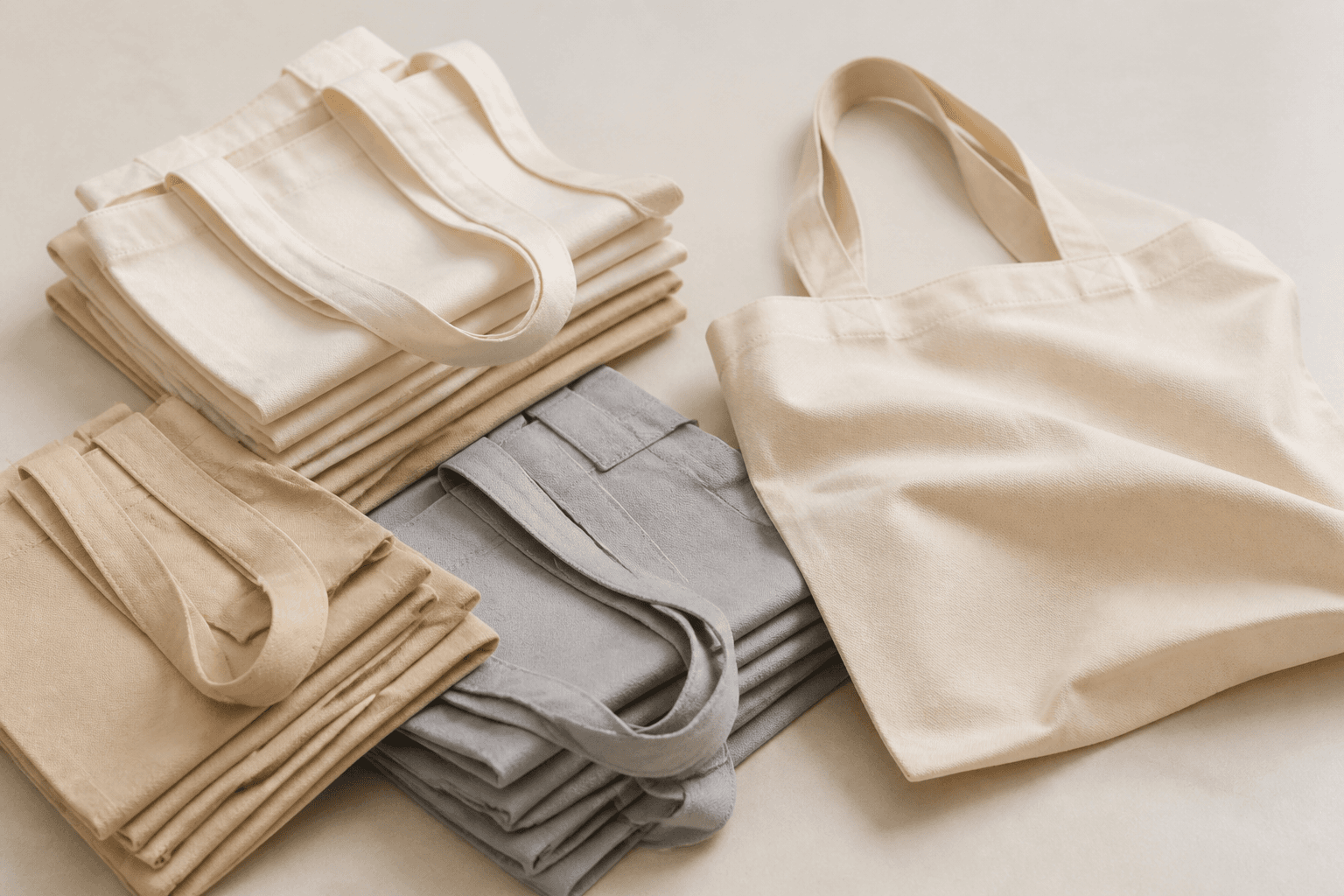
If you've got a logo, a wedding motif or event artwork you want people to actually carry around, tote bag printing in Singapore is one of the easiest ways to get it in front of them. Unlike a flyer that gets glanced at once, a printed canvas tote gets reused for groceries, the beach, the office — which means your design keeps getting seen long after the event is over. Our tote bag printing service is built around exactly this: send us your artwork, choose a size, and we handle the rest.
This guide walks through the actual steps — from choosing a bag size and print area to prepping your file — so you know what to decide before you place an order, whether you're printing 20 totes for a wedding favour table or 500 for a retail giveaway.
What Tote Bag Printing Actually Involves
At its core, tote bag printing means transferring your artwork onto the face of a canvas bag in a fixed print area. You supply (or design with help from) the artwork, specify how large the printed area should be and whether you want one or both faces printed, and the bag is produced to order. There's no minimum creative complexity — a single logo, a full-colour illustration and a photo-based design all go through the same basic process, though very fine detail or tiny text can look different on woven canvas than it does on paper, which is worth keeping in mind at the design stage.
Step 1: Choose Your Tote Bag Size
Before anything else, decide what the bag needs to actually hold. Our canvas totes come in three sizes:
- CB1 (Large) — 620 × 440 × 160mm, suited to grocery runs, conference swag or anything bulky
- CB2 (Medium) — 470 × 420 × 140mm, a good all-rounder for corporate gifting and event goodie bags
- CB3 (Small) — 340 × 360 × 80mm, better for lighter items like stationery, name cards or wedding favours
The size you pick isn't just about capacity — it also sets how much surface you have to work with for the print itself, so it's worth choosing before you finalise your artwork's proportions.
Step 2: Pick a Print Area Size
Separate from the bag size, you also choose how large the printed design itself should be, from A6 up to A3. A small A6 print area works well for a compact logo placed on one corner of the bag, while an A4 or A3 print area covers most of the bag face for a full illustration or photo-style design. If your design has a lot of fine detail or small text, a larger print area generally reproduces it more cleanly than trying to shrink the same artwork into an A6 space.
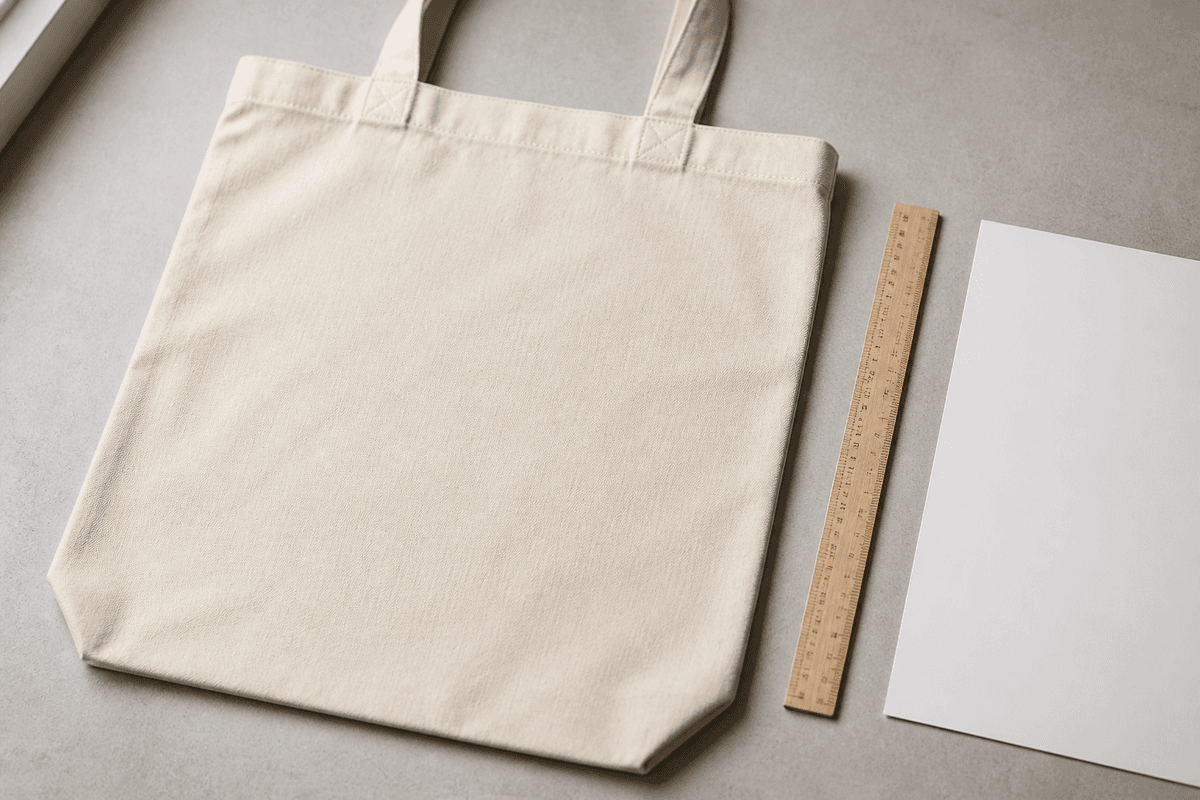
Step 3: Decide on Single- or Double-Sided Printing
Single-sided printing puts your design on one face of the bag only — the more common choice for a simple logo or wordmark, and the lower-cost option. Double-sided printing prints on both faces, which suits designs meant to be seen from any angle, or when you want a front-and-back layout (a logo on one side, event details or a hashtag on the other, for example). If budget is tight and the bag will mostly be seen from one direction — carried over a shoulder, say — single-sided is usually the more practical call.
Step 4: Prepare Your Artwork File
Once you've settled on size and sides, the last step before ordering is getting your file print-ready. A few basics apply whether you're printing a tote bag, a poster or a name card:
- Supply artwork at 300 DPI / print-ready resolution — this is the standard for sharp, non-pixelated output at the size you're printing
- Build your file in CMYK, since that's the colour mode used in print, rather than the RGB mode used on screens
- Add bleed around the edges of your design if it's meant to run to the very edge of the print area, so there's no thin white gap after trimming
- Keep any text or fine detail well clear of the print area's edges, since canvas has a slightly different texture to paper and can soften very fine lines
If you're not confident preparing a file yourself, it's worth asking upfront whether the print area size you've chosen will comfortably fit your design before committing to a large order.
Common Uses for Printed Tote Bags in Singapore
Canvas totes show up in a wide range of settings because they solve a simple problem — giving someone something useful enough that they'll actually hang onto your branding. Some of the more common use cases we see:
- Wedding favours — a small CB3 tote with a couple's initials or motif, often paired with other wedding gift items
- Corporate goodie bags — CB2 totes handed out at conferences, roadshows or client events
- Retail and F&B giveaways — branded totes offered with a minimum spend or at a store opening
- Everyday branded merchandise — totes sold or gifted as part of a wider merchandise lineup
If you're already ordering totes for an event, it's worth thinking about what else your guests or customers are walking away with. A printed paper bag works well as a lighter, lower-cost alternative for smaller giveaways, while a branded money packet is a natural add-on around festive periods when gifting is already top of mind.
Ordering Your Tote Bags
Once you know your bag size, print area and sides, ordering canvas tote bag printing in Singapore is straightforward — configure those options and upload your artwork on the tote bag product page, where you can see live pricing update as you adjust quantity and specs. If you're planning a large run for an event with a fixed date, it's worth starting the artwork and ordering process with some buffer, simply so there's time to double-check a proof before the full batch goes to print.
Frequently Asked Questions
What canvas tote bag sizes are available in Singapore?
Our tote bags come in three sizes — CB1 Large (620 × 440 × 160mm), CB2 Medium (470 × 420 × 140mm) and CB3 Small (340 × 360 × 80mm) — so you can match the bag to what it needs to carry, from grocery-style totes to smaller favour bags.
Can I print on both sides of a tote bag?
Yes. Single-sided printing covers one face of the bag, while double-sided printing covers both — useful if you want a design visible from any angle, or a different layout on the front and back.
What file format should I use for tote bag printing design?
Supply your artwork at 300 DPI / print-ready resolution in CMYK colour mode, with bleed added if your design runs to the edge of the print area. This keeps colours accurate and edges clean once trimmed.
How is tote bag printing different from paper bag printing?
A canvas tote is a durable, reusable bag suited to repeat use, while a paper bag is a lighter, lower-cost option better suited to single-event giveaways. Many businesses use canvas totes for higher-value gifting and paper bags for everyday retail packaging.
Whether you're planning a wedding favour table, a conference goodie bag or a retail giveaway, the process comes down to four decisions: bag size, print area, sides and a print-ready file. Once those are locked in, you can build and price your order directly on the tote bag printing page.