Which Flyer Design Is Best? A Print-Ready Guide to Flyer Printing in Singapore
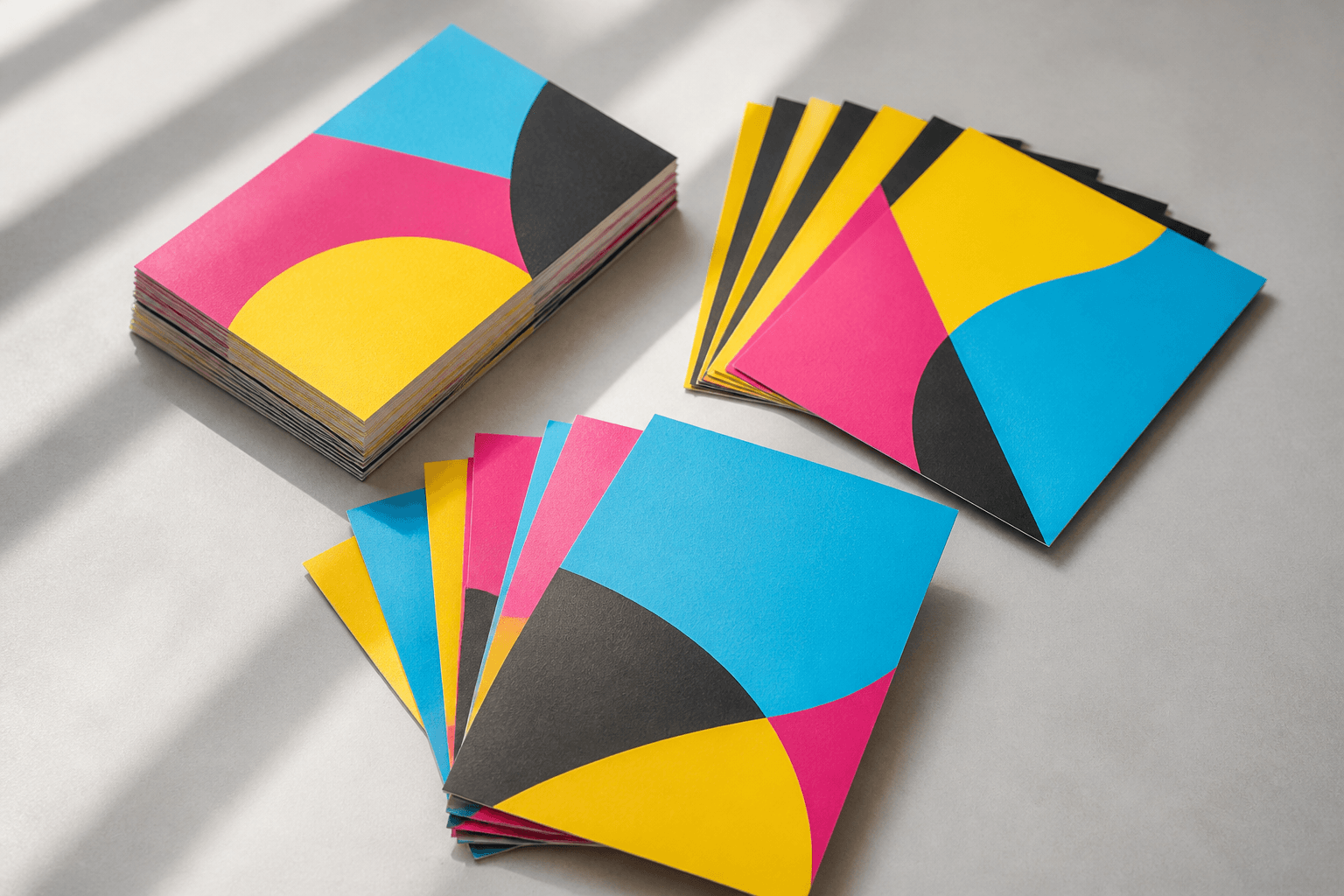
The best flyer design is the one a stranger understands in three seconds: one headline, one strong image, one clear action, and artwork set up so it prints exactly as it looks on screen. Get that right and our flyer printing in Singapore does the rest, whether you need a short digital run or tens of thousands off the offset press. This guide breaks down what separates a flyer that gets read from one that gets binned, and how to build your file so the print matches the plan.
What "best" actually means for a flyer
A flyer is not a brochure. Nobody sits down to study it. It is picked up at a counter, pulled from a letterbox or handed over at an MRT exit, and judged in a glance. That changes what good design looks like. The best flyer design is not the most decorated one; it is the one with the clearest job.
Before you open any design tool, write down three things:
- The one message. "Grand opening this Saturday", "Free trial class", "New lunch menu". If you cannot say it in a short line, the flyer is trying to do too much.
- The one action. Visit, scan, call, book, show this flyer at the counter. Pick one and make it impossible to miss.
- The setting. Will it sit in a rack beside twenty others, go into letterboxes, or be handed out face to face? A rack flyer needs a top third that works on its own; a hand-out can lead with a bold image.
Every design decision below flows from those three answers.
Visual hierarchy: the three-second test
Hierarchy is the order in which the eye moves across the page. Strong flyers control it deliberately, usually in three levels:
- Level one: the hook. A large headline or a single dominant image. This is what earns the second look. Make it the biggest thing on the page by a clear margin, not just slightly larger than everything else.
- Level two: the supporting detail. Date, location, offer, or two or three short benefit lines. Smaller, but still easy to scan.
- Level three: the action and contact. A QR code, website, phone number or address, grouped together near the bottom so the reader knows where to look when they are ready.
A quick test: print your draft at actual size, hold it at arm's length and glance at it for three seconds. If you cannot tell what it is about and what to do next, simplify. Cutting copy almost always improves a flyer.
Layout, white space and the single focal point
The most common reason a flyer design fails is crowding. Every logo, every service and every photo the business owns gets squeezed onto one A5 page, and the result reads as noise. White space is not wasted space; it is what lets the headline breathe and gives the reader's eye a path.
Pick one focal point. If your hero is a food photo, let it dominate and keep the text tight around it. If your hero is the offer, make the type the image. Align elements to a simple grid so edges line up, and keep margins consistent all the way round. Even a basic two-column or top-and-bottom split looks more professional than elements floating at random.
Consider the back, too. Double-sided flyers give you room to split the job: a bold, uncluttered front that sells the idea, and a back that carries the menu, schedule, map or terms. That keeps the front clean without leaving out useful detail.
Typography that survives print
Type that looks fine on a bright monitor can disappear on paper. A few rules keep it readable:
- Limit yourself to two typefaces at most: one for headlines, one for body text. More than that starts to look chaotic.
- Keep body text large enough. As a general rule, body copy around 9 to 12pt is comfortable to read on a hand-held flyer; fine print below about 6pt becomes hard to read and can lose crispness.
- Watch thin strokes. Very light or hairline fonts, especially reversed out in white on a dark background, can fill in or look broken when printed. Use a medium or bold weight for reversed text.
- Contrast matters. Dark text on a light background is the safest choice. Light grey on white or red on dark blue may look stylish on screen and vanish in print.
Once your type and layout are settled, check them against the size you plan to print, because the format affects how much text you can comfortably fit. What reads well on A4 can feel cramped on A6.
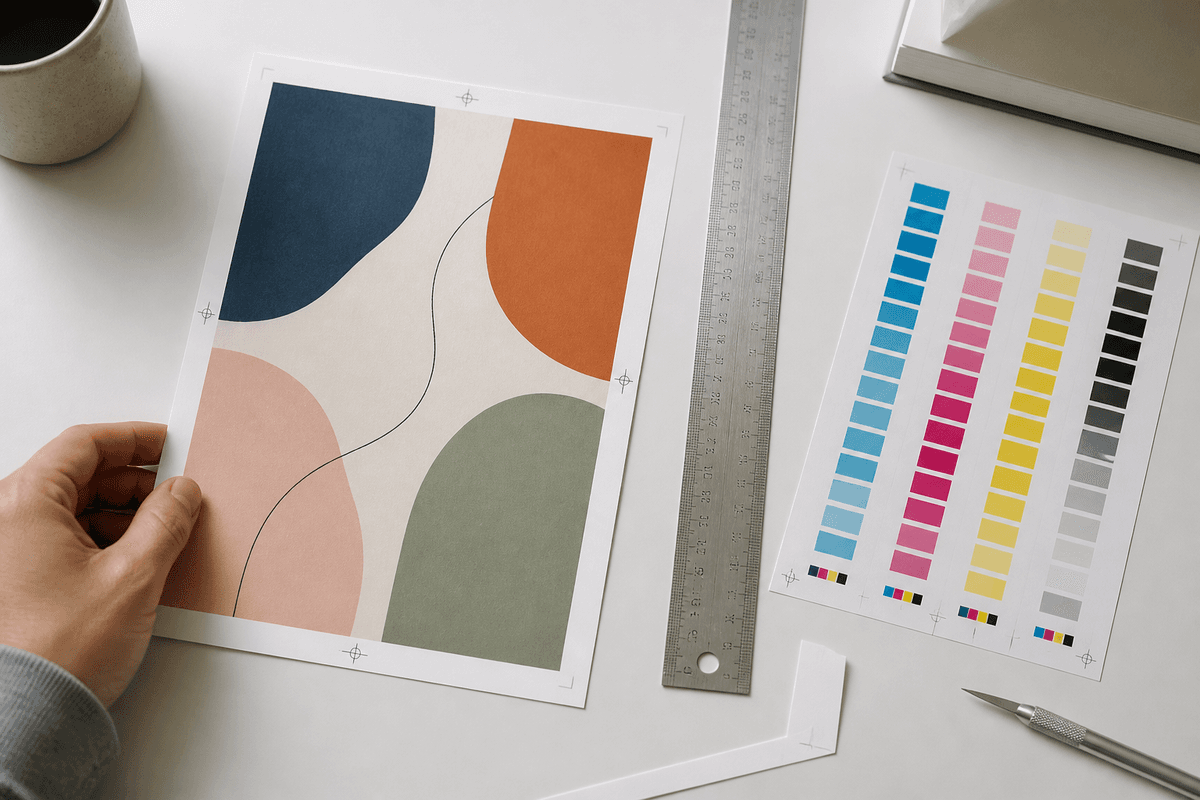
Colour, images and resolution: designing for CMYK
Screens show colour in RGB light; printers lay down CMYK ink. Some very bright screen colours, such as neon greens or electric blues, simply cannot be reproduced exactly with CMYK inks and will print slightly duller. Designing in CMYK from the start avoids that surprise.
- Set your document to CMYK and convert any RGB images before exporting, so you see a realistic preview of the printed colour.
- Use images at 300 DPI at the final printed size. A photo copied from a website or social media post usually looks fine on screen but prints soft or pixelated. Use original camera files or properly licensed high-resolution stock instead.
- Keep logos as vector files (AI, EPS, SVG or a vector PDF) wherever possible so edges stay sharp at any size.
- Use rich black carefully. For large black areas, a rich black mix looks deeper than plain black ink. For small body text, plain black keeps letters crisp.
Bleed, safe zone and file setup
This is where good designs are won or lost at the printer. Flyers are printed on larger sheets and trimmed to size, and trimming always has a small tolerance. Three settings protect your design:
- Bleed: extend any background colour or image that touches the edge 3mm past the trim line on every side. Without bleed, a slight trim shift can leave a thin white sliver along the edge.
- Safe zone: keep all text, logos and QR codes at least 3 to 5mm inside the trim line so nothing important gets cut off.
- Correct size: build the file at the exact finished size, for example A5 at 148 × 210mm or A4 at 210 × 297mm, plus bleed. Our guide to standard flyer sizes in Singapore covers the common formats.
Export as a high-quality PDF with fonts embedded or outlined, images at 300 DPI and bleed included. If you add a QR code, test it from the printed proof distance with more than one phone, and keep it large enough and on a plain background so it scans easily.
Matching the design to paper, finish and print method
Design and material work together. A lighter art paper suits mass hand-outs where the flyer will be read once; a heavier art card feels sturdier and suits menus, price lists or anything meant to be kept. Dark, ink-heavy designs often look richer on a heavier stock, while text-led flyers read cleanly on standard art paper.
The print method follows quantity. We offer both: digital printing for short runs and quick revisions, and offset printing for volume, where the cost per piece drops as the run grows. On digital runs you can also add lamination, which protects ink-heavy designs and gives the flyer a more finished feel. Not sure which fits? Build your flyer on the configurator and the price updates live as you switch size, paper, sides and method, so you can order flyers knowing exactly what you are getting.
If your message needs more space than one sheet allows, a folded long brochure carries the whole pitch in a pocket-sized format. For residential promotions, a door hanger uses the same design principles but sits right on the handle where it cannot be ignored.
Common flyer design mistakes to avoid
- Too many messages. Three offers, five services and a slogan means none of them lands.
- No clear call to action. If readers do not know what to do next, they do nothing.
- Low-resolution images. Screenshots and web images rarely hold up at print size.
- Text too close to the edge. Anything outside the safe zone risks being trimmed.
- Missing bleed. Edge-to-edge backgrounds need the extra 3mm.
- Forgetting to proofread. A wrong date or phone number on a thousand flyers is expensive. Ask someone else to check every detail before you send the file.
Frequently asked questions
Which flyer design is best for a small business?
A simple, single-message design usually works best: one bold headline, one strong image, a short list of key details and one clear call to action, with plenty of white space. Simple flyers are faster to understand and look more confident.
Should my flyer be single-sided or double-sided?
Single-sided works when the message is short, such as an event or a one-off promotion. Double-sided is better when you need a menu, schedule, map or terms, because it keeps the front clean while still giving readers the detail.
What file format should I send for flyer printing?
A print-ready PDF in CMYK, at the finished size plus 3mm bleed on all sides, with fonts embedded or outlined and images at 300 DPI.
Can I design a flyer in Canva or Figma?
Yes. Just set the page to your exact flyer size, add bleed, keep text inside the safe zone and export a high-quality print PDF. Check that images are high resolution and colours look right when converted to CMYK.
Ready to print a flyer that gets read?
Good flyer design comes down to clarity: one message, one action, readable type and a file set up properly for print. Once your artwork is ready, build and order your flyers on the Printvolution flyers page, choose your size, paper, sides and print method, and see the price update live before you check out.