What Is Die Cut Sticker Printing? A Singapore Guide to Custom-Shape Stickers
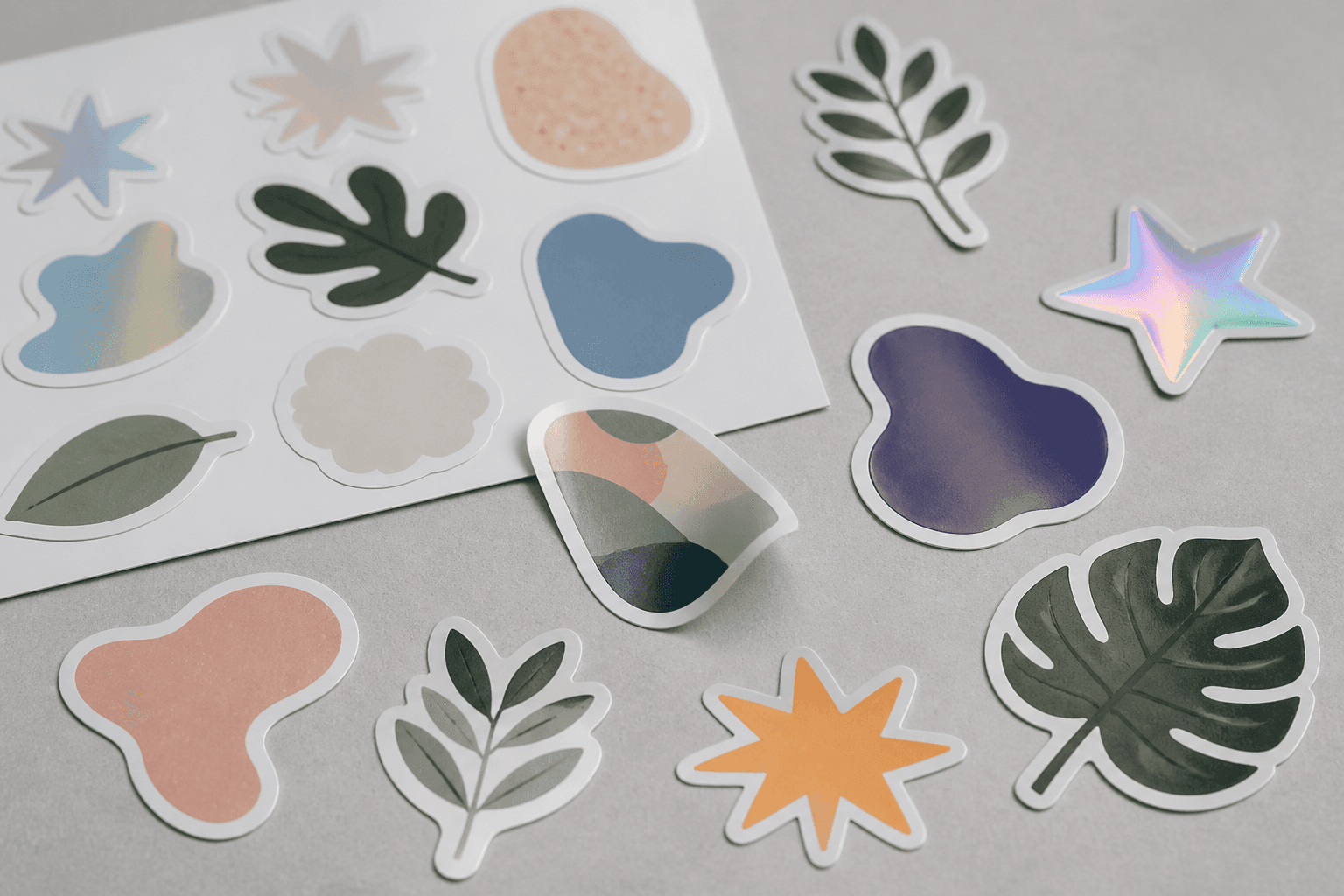
Die cut sticker printing means your sticker is printed and then cut precisely along the outline of your design, so it takes the shape of your logo, mascot or illustration instead of sitting inside a plain square. It is the format most brands want when they say "custom stickers", and it is exactly how we produce our custom stickers in Singapore: printed digitally in CMYK, then cut to any shape you send, including cut-outs inside the sticker itself.
If you have seen the term on a quote and wondered what you are actually paying for, this guide explains how die cut sticker printing works, how it differs from kiss-cut and square-cut stickers, how to set up your file so the cut lands where you want it, and when a die-cut shape is worth it.
What "die cut" actually means
The name comes from traditional print finishing, where a "die" is a sharp blade bent into a shape and pressed through paper or card to stamp it out. Today most short-run sticker work is cut digitally: a cutting machine follows a vector path, called the cut line, that is drawn around your artwork. The result is the same idea without the need to make a physical blade for every new design, which is why die cut sticker printing is practical even for small runs.
Three things define a die-cut sticker:
- A custom outline. The edge follows your design rather than a fixed rectangle or circle.
- A defined border. Most die-cut stickers keep a thin margin around the artwork, often white or the background colour, so the cut never clips the design.
- A clean silhouette. Once peeled and applied, the sticker reads as an object in its own shape, which is why it looks more premium on a laptop, bottle or box than a square label.
Die cut vs kiss cut vs square cut
These three terms come up constantly in sticker printing, and they are easy to mix up.
Die cut
In the strictest sense, a die-cut sticker is cut all the way through both the sticker layer and its backing paper, so each sticker comes away as a separate piece with backing in the same shape. In everyday use, though, many printers and customers use "die cut" for any sticker cut to a custom shape.
Kiss cut
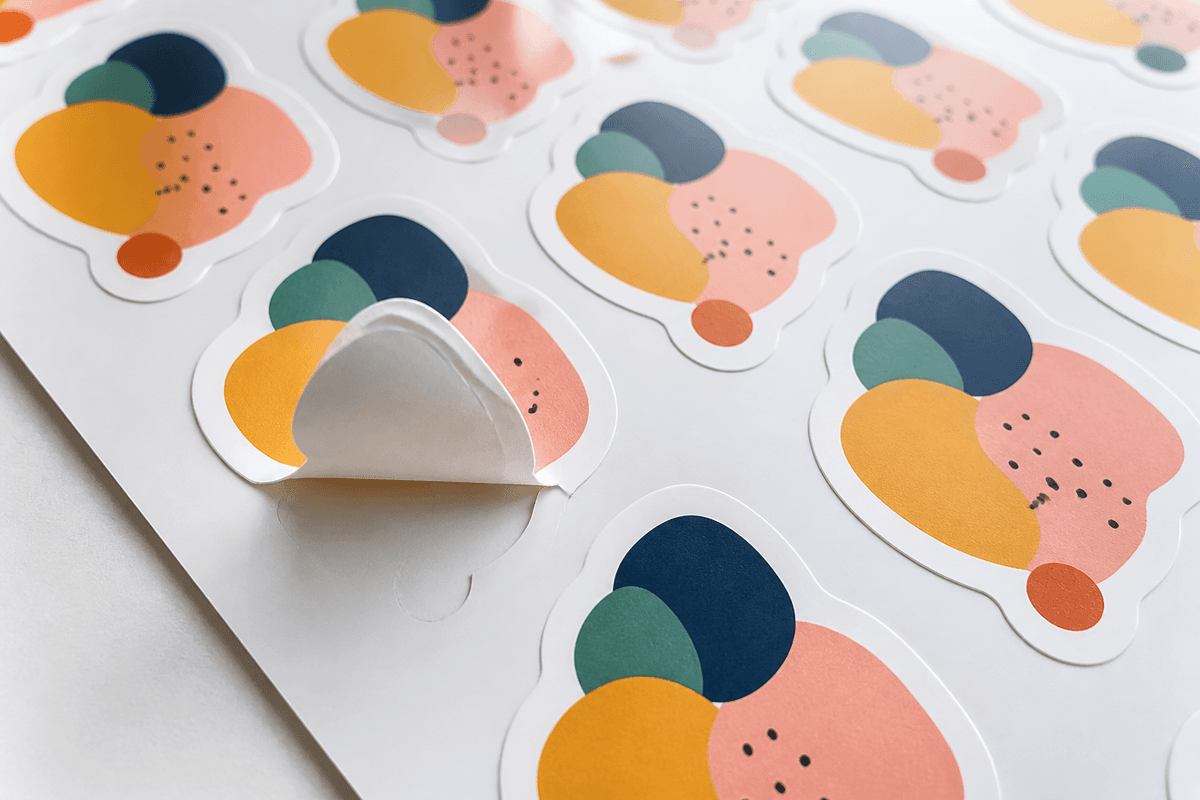
A kiss cut only slices through the sticker layer and leaves the backing intact. Several stickers can sit on one sheet, and you peel each shape off the carrier. Kiss-cut sheets are tidy to store and hand out, and they make the sticker easier to peel because there is extra backing around the edge to grip.
Square or rectangle cut
The simplest format: the design sits inside a rectangle, square or circle and the cut follows that basic shape. It works for labels, barcodes and text-heavy notices, but it rarely looks as considered as a shape-cut sticker.
For most brand, packaging and event uses, a custom-shape cut is the stronger choice. It is what we recommend, and it is what our sticker printing service is built around: every design is cut to its shape on a 320 × 450mm sheet, whether that shape is round, an irregular outline, a custom silhouette or a plain rectangle.
How die cut sticker printing works, step by step
Whatever printer you use, a die-cut job goes through the same basic stages.
- Artwork in. You supply the design at the exact finished size you want, ideally as vector artwork or a 300 DPI, print-ready file.
- Cut line created. A path is drawn around the design, either by you or by the printer, with a small offset so the blade has a safe margin.
- Layout on the sheet. The stickers are arranged on the print sheet to use as much of the area as possible. With us, each sheet carries one design, repeated as many times as fits at your chosen size, with no mixing of designs on the same sheet.
- Printing. The sheet is printed, in our case digitally in CMYK, on the material you chose.
- Cutting. The cutter follows each outline, including any inner cut-outs such as the hole in a letter "O" or a gap between elements.
- Check and pack. The sheets are checked against your approved proof and packed.
Setting up your file so the cut lands right
Most die-cut problems come from the file, not the machine. A few habits prevent nearly all of them.
Design at the real size
Send your sticker at the exact dimensions you want it to measure in hand, in mm or cm. A logo that looks bold at 100mm wide may lose fine detail at 30mm, so preview the design at its actual size before you commit.
Leave a margin around the artwork
Cutting machines are precise, but a blade following a line across a sheet is never perfectly fixed to the print. Keep important elements, especially text, a few millimetres inside the cut line. A white or coloured border around the shape makes this easy and gives the sticker a finished, deliberate edge.
Add bleed where colour meets the cut
If your background colour runs right to the edge of the shape, extend it a little beyond the cut line. This is called bleed. Without it, a tiny shift in the cut can expose a sliver of unprinted material along one side.
Simplify very spiky outlines
Thin spikes, hair-fine gaps and sharp inner corners are hard to cut cleanly and tend to lift once applied. Smooth the outline into a gentle contour around the design and the sticker will cut, peel and stick far better.
Think about white on clear stock
If you choose a transparent material, any area meant to look solid white needs a white ink underbase, because CMYK alone has no white. On our stickers, white ink on Transparent or Metallic is quoted separately, so talk to us before ordering if your design relies on it.
Choosing a material for a die-cut sticker
The cut decides the shape; the material decides how the sticker looks and how long it lasts. We print die-cut stickers on seven finishes:
- Gloss (waterproof) for bright, punchy colour on bottles, laptops and outdoor use.
- Matt (waterproof) for a flat, low-glare, modern look on packaging and minimal brand stickers.
- Transparent for designs that should appear to float on glass or clear packaging.
- Metallic finishes such as Rainbow Sands, Holographic, Stripes and Gold when the sticker itself should be the eye-catcher.
All seven are priced the same per sheet, so you can choose purely on the look and where the sticker will live. You can compare every finish and see the live price on the sticker configurator.
When a die-cut sticker is worth it
Die cut sticker printing earns its place whenever the sticker has to represent your brand on its own, away from the rest of your packaging or signage. Common uses include:
- Brand and logo stickers handed out at events, slipped into orders or given to staff.
- Packaging seals that close a box or bag with your mark rather than a strip of tape.
- Product labels where a shaped label makes a jar, bottle or tin feel crafted.
- Merch and fan stickers for creators, clubs and communities, where the shape is part of the design.
- Laptop and bottle stickers, the kind people keep and display because they look like a finished object, not a promotional square.
A rectangle still makes sense for practical labels full of text: ingredient lists, address labels or warning notices. If the sticker exists to be seen and kept, shape it.
Die cut stickers vs UV DTF stickers
If you need a design to transfer onto a hard surface with no visible sticker edge or background at all, look at UV DTF stickers. They are applied as a transfer, so only the printed design stays on the surface. Die-cut stickers keep their material and border, which is what gives them a tactile, collectable feel. For a vehicle, a larger car decal is the better fit.
Die cut sticker printing FAQ
Is die cut the same as custom shape?
In everyday use, yes. Strictly, die cut means cut through the backing as well, and kiss cut means only the sticker layer is cut, but both give you a custom-shaped sticker.
Can I have holes or cut-outs inside the sticker?
Yes. Inner cut-outs are possible as long as they are not too small or too thin to cut and peel cleanly.
Do I need to draw the cut line myself?
It helps if you can supply one in your vector file, but a clean design with a clear outline is the starting point. Either way, check the cut line on your proof before approving.
Can I mix several designs on one sheet?
With our stickers, each sheet carries one design only. For several designs, order a sheet, or more, for each.
What file should I send?
Vector artwork such as AI, EPS or PDF is ideal. If you send an image, make sure it is 300 DPI and print-ready at the finished size.
Order your die cut stickers
A die-cut sticker turns a logo into something people actually want to keep. Pick your finish, size and quantity, upload your artwork and see the price update live: build your order on our die cut sticker printing page, and we will cut every sticker to the exact shape you designed.